How to stop YouTube suggestions at the end of a video
Turn off Autoplay in the player and the next video won't start by itself. The suggestions that fill the player when a video ends still appear. To hide those as well, you need an extension.
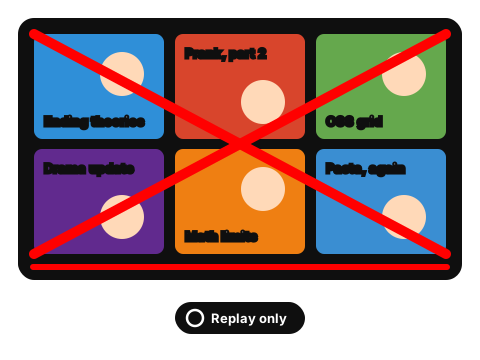
What YouTube gives you
Hiding that grid takes an extension. The demo below shows the difference. For Home and Up next, the built-in options are on the page about turning off YouTube recommendations.
End screen demo
A video has just finished in this mock player. Turn on the switch to hide the suggestions and leave only Replay.
Video ended. ↻ Replay
That worked in the demo. On youtube.com the extension does the same.
Add to ChromeHow the extension handles the end of a video
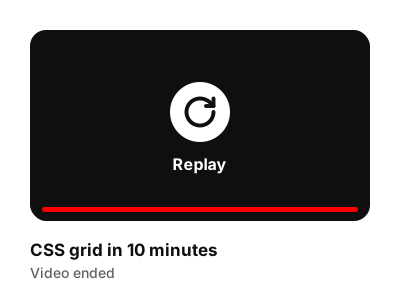
The end of a video with the suggestion grid hidden: only Replay is left (made-up video). 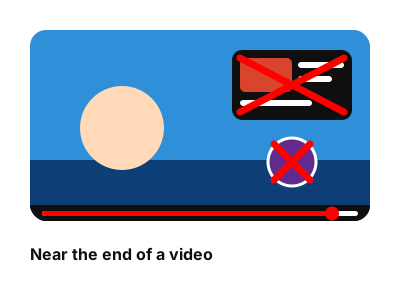
Cards over a video near its end, crossed out. 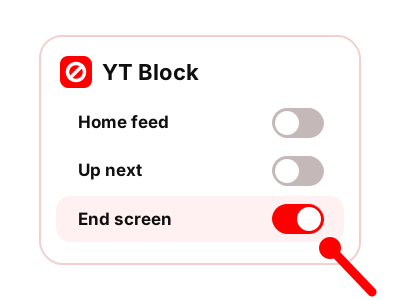
Separate switches for Home feed, Up next and End screen, with only End screen on.
To quiet Home and Up next too, the recommendations guide covers both, along with YouTube's own settings. The YT Block home page lists everything else the extension hides.
Questions about end-of-video suggestions
Doesn't turning off Autoplay already do this?
Only in part. With Autoplay off, the next video doesn't start by itself. The suggestions at the end of the video still appear.
Does it hide the cards that show up over the video?
Yes. Along with the grid at the end, the extension hides the cards placed on top of the video near its end.
Can I hide end screens and keep Up next?
Yes. End screen, Home feed and Up next are separate switches. Turn on the ones you want and leave the rest.
Does it work on my phone?
No. It's an extension for Chrome on a computer, and it works on youtube.com in that browser.
Let a video end without the suggestion grid
The extension hides end-of-video suggestions and turns off Autoplay.
Coming to the Chrome Web Store