 14:02
SG
Filling my sister's garage with 5,000 paper planes
Stunt Goblins
YouTube's own option is "Not interested" in a video's ⋮ menu. It takes that video out of your recommendations, and the video still comes up when you search. To keep one video off Home, search and Up next, you need a blocker.
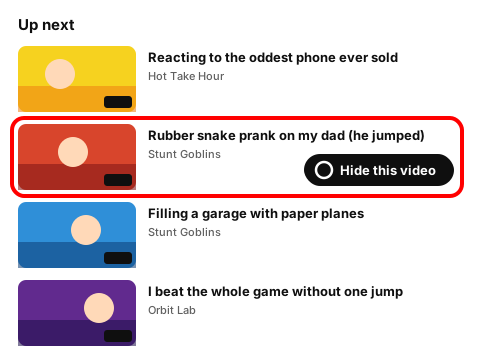
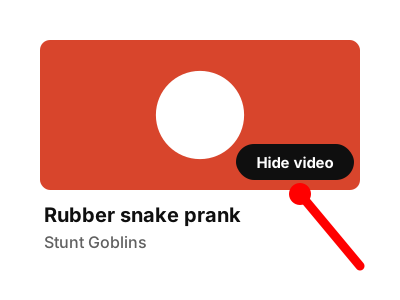
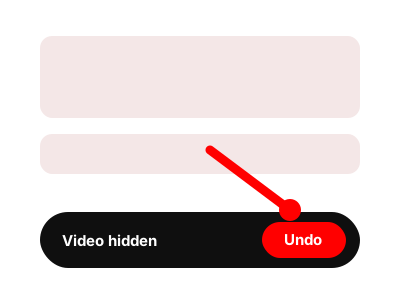
Press Hide video on any card. Only that video goes, and the notice that pops up lets you undo it. Block channel on the same card removes every video from that channel.
Made-up channels and videos. The rules behave the way they do in the extension.
Showing all 6 items. Nothing is hidden yet.
14:02 27:41
 11:55
 18:40
 16:08
 22:17
Everything here matched your rules. On YouTube you'd see only what's left. Press Reset demo to bring it back.
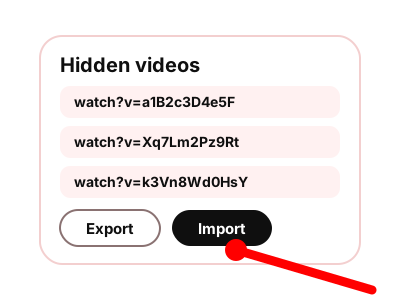
To make one video disappear from your own YouTube, the extension adds a Hide video button to each card. If you already have a few links saved, tidy them up below.
Paste YouTube video links in any format: watch, youtu.be, Shorts or embed. Put them one per line, or separate them with spaces or commas. You get one standard watch link per video, with duplicates removed. Copy the list to import into the extension later. Nothing leaves your browser.
https://www.youtube.com/watch?v=a1B2c3D4e5F
https://www.youtube.com/watch?v=Xq7Lm2Pz9Rt
https://www.youtube.com/watch?v=k3Vn8Wd0HsY
When a whole channel keeps showing up, block the channel instead. If you want YouTube to stop opening on this computer at all, see how to block YouTube on a computer. Channels, words, Shorts and recommendations are on the YT Block home page.
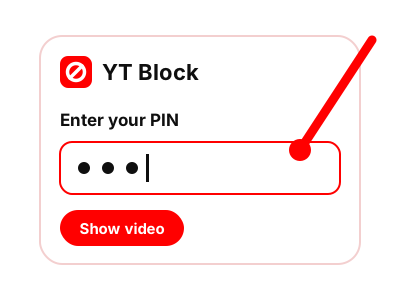
On a shared computer in Chrome, yes: hide the video and set a PIN. A PIN slows people down, and a determined kid can still get around it, so this isn't full parental control. If your child has a YouTube Kids or supervised account, use the controls YouTube built for those accounts (YouTube Kids Help).
The extension hides video cards, so a direct link can still open the video. To close off YouTube completely in this browser, the extension has a separate Block all of YouTube switch. To block it in every browser on the computer, use the hosts file method.
Many. The list is made to keep growing, so you can add videos as they come up. If you already have a long set of links, run them through the builder above to drop the duplicates first.
The extension adds a Hide video button to every video card.
Coming to the Chrome Web Store