How to turn off autoplay on YouTube
On a computer, open any video and click the Autoplay switch at the bottom of the player. When it is off, YouTube stops starting another video after the one you watched.
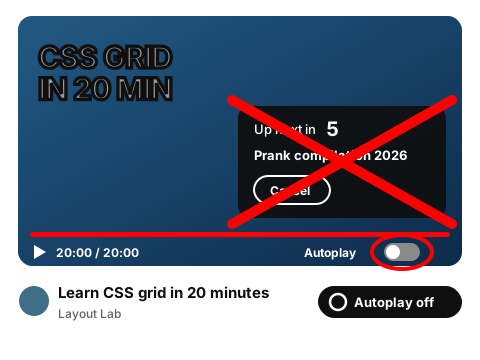
Autoplay demo
A video has just ended in this mock player and the next one is counting down. Switch Autoplay off and the countdown stops.
Learn CSS grid in 20 minutes · ended
10 more ending theories you missed
Autoplay is off. The next video won't start.
Turn it off in two steps
These are YouTube's own settings, taken from YouTube Help: Autoplay videos. Tick each step when it's done.
0 of 2 done
What the setting does not cover
- The setting is separate on each device. Autoplay can be off on your computer and still on in the YouTube app on your phone, according to YouTube Help.
- The Autoplay switch is about what plays after a video ends. Previews that start when you hover over a thumbnail on Home are a different feature.
- With Autoplay off, the grid of suggested videos still appears when a video ends. Hiding it is covered on the end screen page.
For accounts of users aged 13 to 17, YouTube turns Autoplay off by default.
How the extension handles autoplay
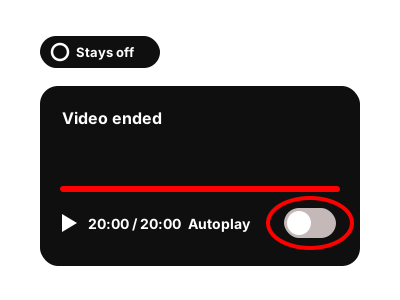
The Autoplay switch stays off when a video ends (made-up player). 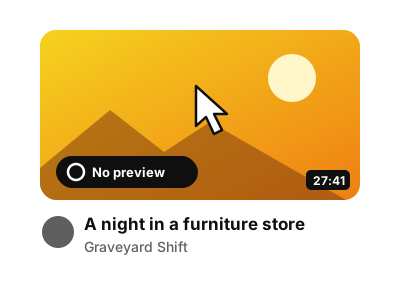
A thumbnail under the mouse pointer stays still (made-up video).
The grid of videos at the end of a video is covered on the end screen page. To quiet Home and Up next too, see how to turn off YouTube recommendations.
Questions about autoplay
Why is autoplay on again?
The setting is separate for each device, so switching it off on your computer doesn't change the YouTube app on your phone. Check the switch on the device where videos keep starting.
Does the extension work on my phone?
No. It's an extension for Chrome on a computer. The YouTube app has its own Autoplay switch.
Does it work on YouTube Music?
No. The extension works on youtube.com, not on YouTube Music.
Keep autoplay off
The extension keeps the next video from starting and stops hover previews.
Coming to the Chrome Web Store